 Drive and Maintain
Traffic lights seem simple, but a few parts of them catch people out.
The sequence
- Red: stop.
- Red and amber: stop. Don't go until green.
- Green: go, if the way is clear.
- Amber: stop, unless you've already crossed the stop line or you're so close that stopping might cause a crash.
Amber is not "hurry up".
Green filter arrows
A green arrow lets you go in that direction, even if the main light is red, as long as you're in the right lane. Don't move into that lane if you're going a different way.
Turning on green
A green light doesn't mean the way is clear: give way to pedestrians crossing the road you're turning into, and to oncoming traffic if turning right.
Advanced stop lines
Many junctions have a box at the front for cyclists, between two stop lines. When the lights are red, stop at the first line. If you're already past it when the lights change, stop at the second, leaving the box clear.
Lights not working
Treat the junction as unmarked, and proceed with great care.
Red light cameras
Many junctions have cameras that catch drivers going through on red.
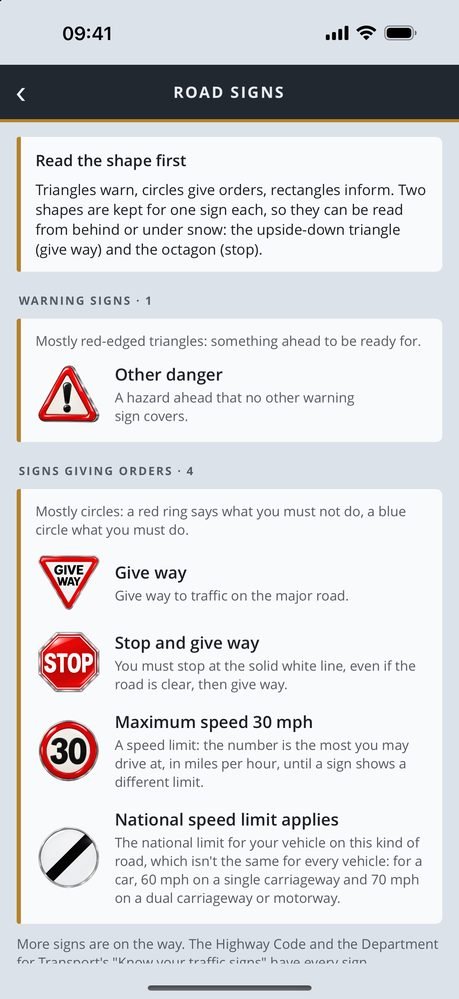
In the app
Drive and Maintain has the road signs, warning signs and signs giving orders, and the road quiz to test yourself.
MOT, tax, insurance and service reminders
Reminders before every date runs out, mileage and fuel tracked with your real MPG, and the service history kept, for every vehicle you look after.