 Drive and Maintain
A dash cam records the road while you drive. When something happens, a clear clip can settle who was at fault in a way that two drivers' memories often can't.
Choosing one
- Front only, or front and rear: a rear camera covers the common shunt from behind.
- Image quality: being able to read a number plate, at night as well as in daylight, is what matters.
- A wide view, but not so wide the edges are distorted.
- Loop recording: it records over the oldest footage, keeping clips it's told to save.
- A G-sensor: it saves the clip automatically when it senses a bump.
- Parking mode: records while parked, if it's wired in.
Fitting it legally
It must not block your view of the road. Fit it high, usually behind the rear-view mirror, and route the cable around the edge of the windscreen. A camera that obstructs the view could get you stopped, and fail an MOT.
Using it
- Check it's recording now and then, and that the date and time are right.
- Format the card occasionally, as the instructions say.
- Don't touch it while driving.
When something happens
- Save the clip straight away, before it's recorded over.
- Copy it off the card.
- Tell your insurer you have footage.
- If you've seen dangerous driving, most police forces accept dash cam footage through an online portal.
In the app
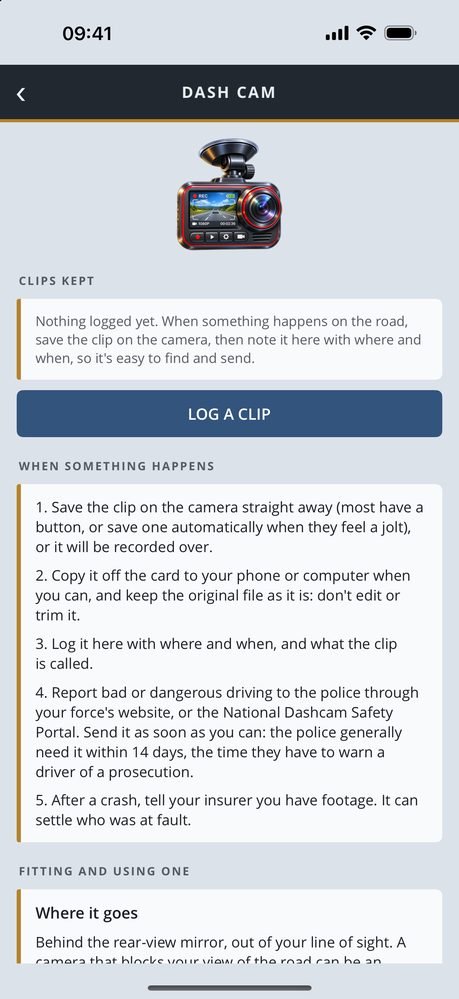
Drive and Maintain's Dash cam keeps a log of the clips that matter, and a guide to using one.
Drive and Maintain for iPhone
MOT, tax, insurance and service reminders
Reminders before every date runs out, mileage and fuel tracked with your real MPG, and the service history kept, for every vehicle you look after.